DITO SIM Registration Online 2026: Complete Guide via register.dito.ph
DITO SIM Registration Online 2026: Complete Step-by-Step Guide
If you have recently purchased a DITO SIM card, completing your DITO SIM registration online is mandatory before you can continue using mobile services. The registration process is quick and can be completed through the official register.dito.ph portal, the DITO App, or the SMS registration link sent to new subscribers.
Related – DITO Promos
This guide explains everything you need to know about DITO SIM registration in 2026, including the registration requirements, official registration methods, troubleshooting tips, and answers to frequently asked questions.
What Is DITO SIM Registration?
DITO SIM registration is the official identity verification process required for every DITO subscriber. The registration collects subscriber information along with a valid government-issued ID to activate and maintain mobile services.
Whether you purchased a brand-new prepaid SIM or need to update your registration, using the official DITO registration channels ensures your SIM remains active.
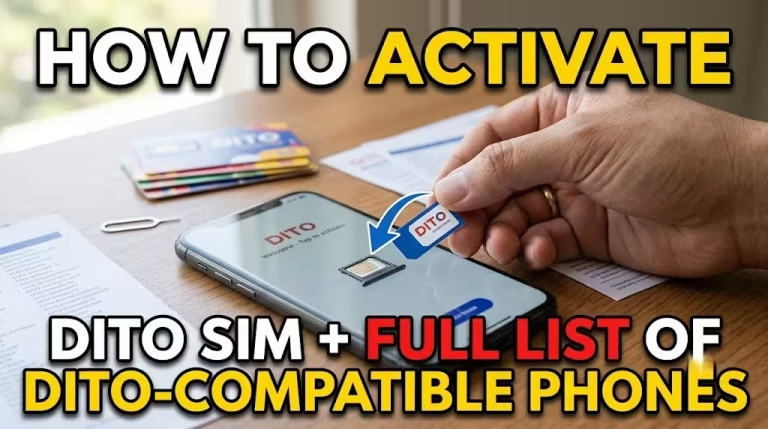
Related – how to activate DITO SIM
Official DITO SIM Registration Link
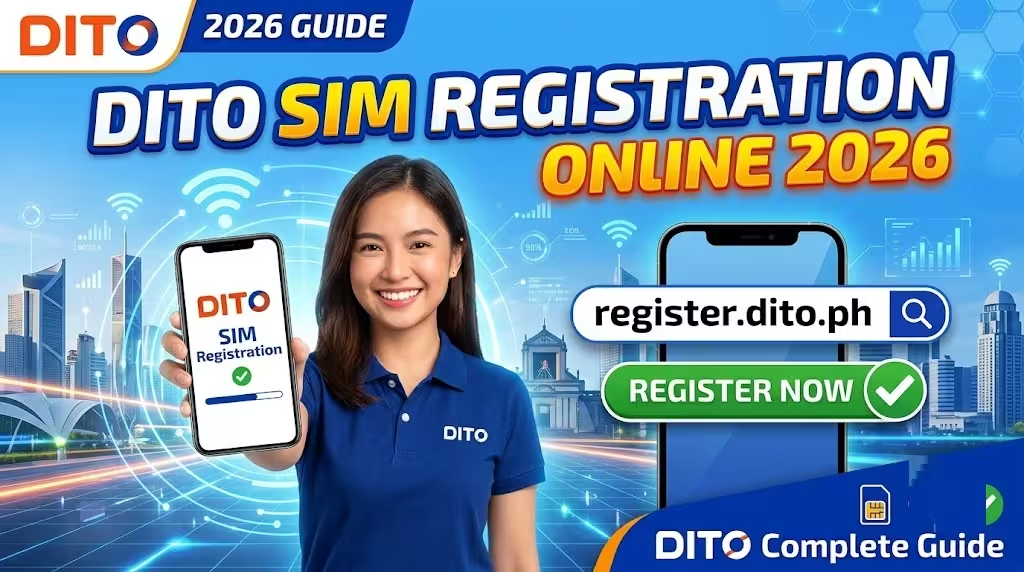
The official portal for online registration is: https://register.dito.ph
Always use the official website to avoid phishing or fraudulent registration pages.
You can also register through:
How to Register DITO SIM Online
Registering your DITO SIM takes only a few minutes if you have your valid ID ready.
Method 1: Register via register.dito.ph
Step 1: Insert Your DITO SIM
Insert your DITO SIM card into your mobile phone.
Turn on:
Step 2: Visit the Registration Portal
Open your browser and visit: https://register.dito.ph
You may also receive an automatic SMS containing the registration link.
Step 3: Enter Your Mobile Number
Input your DITO mobile number.
An OTP (One-Time Password) will be sent for verification.
Enter the OTP to continue.
Step 4: Fill in Your Personal Information
Provide your complete details including:
Ensure all information matches your government-issued ID.
Step 5: Upload a Valid Government ID
Take a clear photo of your ID.
Accepted IDs generally include:
Ensure:
Step 6: Take a Selfie
Capture a live selfie when prompted.
This helps verify that the person registering matches the submitted ID.
Step 7: Submit Your Registration
Review all entered information carefully.
Submit your application.
A confirmation message will appear once registration is successfully completed.
Save or screenshot the confirmation for your records.
Related – DITO eSIM Guide
How to Register Through the DITO App
Many users find the DITO App even more convenient.
Registration Process
- Download the official DITO App.
- Open the application.
- Log in or create an account.
- Tap the SIM Registration banner.
- Enter your personal information.
- Upload your valid ID.
- Complete selfie verification.
- Enter the OTP.
- Submit your registration.
The app allows you to monitor your account and access other DITO services after registration.
Register DITO SIM Using the SMS Link
New subscribers usually receive a welcome text message immediately after inserting the SIM.
The message contains an official registration link.
Simply:
This is often the fastest registration method for new users.
Here is guide how to register dito sim:
DITO SIM Registration Requirements
Before beginning, prepare the following:
Personal Information
Required Documents
Prepare one valid government-issued ID.
Examples include:
Technical Requirements
You should also have:
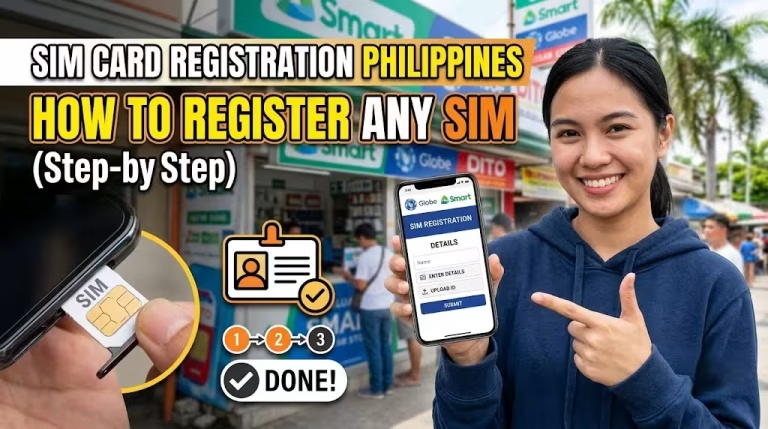
more: SIM Card Registration Philippines
How Foreign Nationals Can Register a DITO SIM
Foreign nationals may also register a DITO SIM by providing additional documentation depending on their residency or visa status.
Typically, they may need:
Requirements may differ depending on the type of stay in the Philippines.
Common DITO SIM Registration Problems and Solutions
OTP Not Received
Possible reasons include:
Solutions:
ID Upload Failed
This usually happens because:
Solution:
Selfie Verification Failed
Try the following:
Registration Page Not Loading
Possible fixes:
Here is complete guide about: Dito Sim Registration
Benefits of Completing DITO SIM Registration
Successfully registering your SIM provides several advantages.
These include:
Safety Tips During Registration
To protect your personal information:
Why Your DITO SIM Registration May Be Rejected
Registration may not be approved if:
Always review your information before submitting.
How to Check if Your DITO SIM Is Registered
If you’re unsure whether your registration was successful, you can:
Frequently Asked Questions
Here how to get: dito customer service
Final Thoughts
Completing your DITO SIM registration online is a simple process when using the official registration channels. Whether you choose the register.dito.ph website, the DITO App, or the automatic SMS registration link, preparing your valid ID and ensuring your personal information is accurate will help you finish the process quickly.
Always register through official DITO platforms, keep your confirmation notice, and never share your OTP or personal information with unofficial websites or individuals. Once your registration is approved, you can continue enjoying uninterrupted DITO mobile services with greater account security and compliance with Philippine regulations.
Here you can DITO App Download