DITO App Download: Manage Your SIM, Load & Rewards
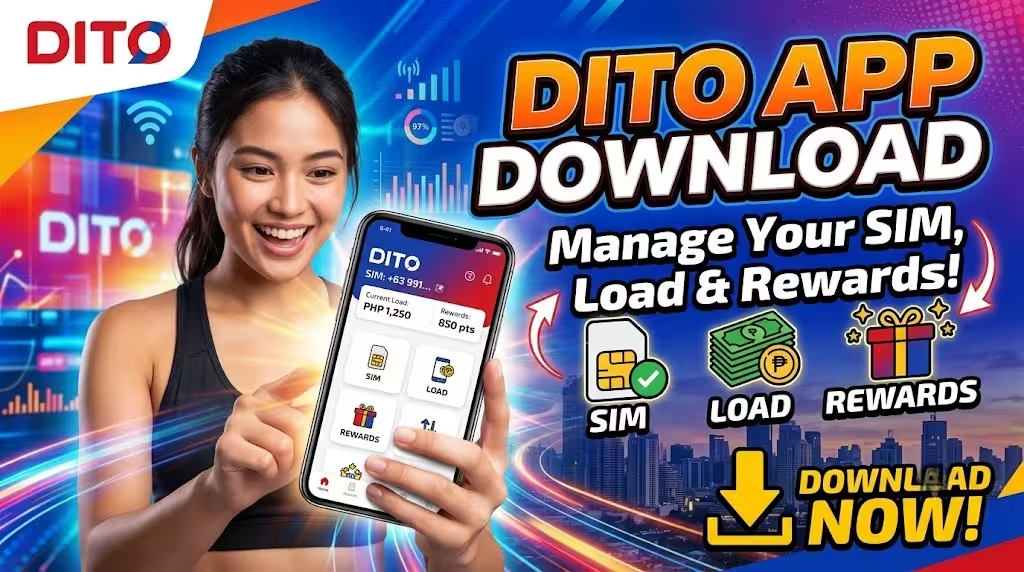
Managing your mobile account has become easier with the official DITO App. Instead of visiting stores or using multiple platforms, DITO subscribers can now manage their SIM, buy promos, reload their balance, track data usage, and access rewards directly from their smartphone.
The DITO app download gives prepaid users complete control over their mobile services anytime and anywhere. Whether you need to purchase a DITO load, activate a promo, monitor your remaining data, or manage your subscriptions, the app provides a convenient self-service platform.
This guide explains how to download the DITO App, its features, how to buy promos, payment options, account management tools, rewards, and frequently asked questions.
If you are searching for DITO App, DITO apps, or DITO app download, this complete guide covers everything you need.
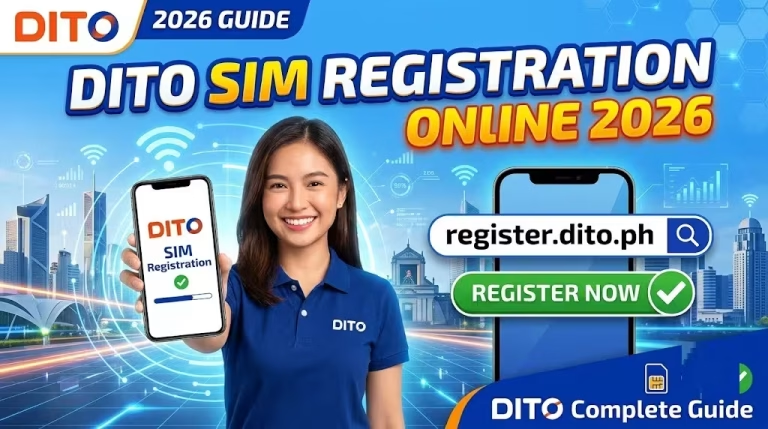
Here is guide how to register dito sim:
What Is the DITO App?
The DITO App is the official mobile application from DITO Telecommunity that allows subscribers to manage their mobile accounts digitally.
Through the app, users can:
- Check account balance
- Buy DITO load
- Register promos
- Manage subscriptions
- Monitor data usage
- Earn and redeem rewards
- Update account information
- Access customer support
The application is designed to make managing your DITO SIM faster, easier, and more convenient.
Related – how to activate DITO SIM
Why Download the DITO App?
The DITO app download provides several advantages compared to traditional loading and account management methods.
Easy Account Management
You can access your DITO account anytime without visiting a physical store.
Fast DITO Load Purchase
Buy prepaid load instantly using multiple payment methods.
Simple Promo Registration
Browse available offers and activate your preferred:
- Data promos
- Unlimited data packages
- Call and text bundles
- Level-Up Packs
Track Your Usage
Monitor:
- Remaining mobile data
- Active subscriptions
- Load balance
- Promo expiration dates
Access DITO Rewards
The app allows users to earn and manage rewards points from eligible transactions.
Related – DITO eSIM Guide
Where to Download the DITO App
The official DITO App is available on major application platforms.
DITO App Download for Android
Android users can download the app through:
Before installing, make sure you download the official DITO application to protect your account information.
DITO App Download for iPhone
iPhone users can download the app through:
- Apple App Store
The app supports compatible iOS devices.
DITO App Download for Huawei Devices
Huawei users can install the app through:
Always use official app stores to ensure you get the latest and secure version.
How to Download and Install the DITO App
Follow these steps to install the app.
Step 1: Open Your App Store
Depending on your device:
- Android → Google Play Store
- iPhone → Apple App Store
- Huawei → AppGallery
Step 2: Search for DITO App
Type:
DITO App
in the search bar.
Step 3: Install the Application
Tap download and wait for the installation process to finish.
Step 4: Open the App and Log In
Enter your DITO mobile number and complete verification.
After logging in, you can access all available account features.
How to Register Your DITO Account in the App
New users can set up their account through the application.
Steps:
- Open the DITO App.
- Enter your DITO mobile number.
- Verify your number using OTP.
- Complete account setup.
- Access your dashboard.
Once registered, you can manage your SIM directly from your phone.
more: SIM Card Registration Philippines
How to Buy DITO Load Using the App
The DITO App makes topping up your balance simple and secure.
Follow these steps:
Step 1: Log In to the DITO App
Open the application and sign in using your DITO number.
Step 2: Select Buy Load or Buy Promo
Tap the:
Buy Promo
icon from the homepage.
Step 3: Choose Your Preferred Offer
Select from available options, including:
- Regular load
- DITO Level-Up Packs
- Data promos
- Call and text packages
Here is complete guide about: Dito Sim Registration
Step 4: Select Payment Method
You can pay using:
- DITO load
- Local Mastercard
- Visa credit card
- Visa debit card
- GCash
- Maya
- GrabPay
- ShopeePay
- WeChat Pay
Step 5: Confirm Transaction
After successful payment, you will receive a notification confirming your purchase.
Your promo or load will be activated automatically.
Manage Your Top Ups and Subscriptions
One of the biggest benefits of the DITO App is easy subscription management.
You can manage your:
- Active promos
- Data packages
- Auto-pay settings
- Load history
- Previous transactions
Whether you’re at home, work, or traveling, your account information is always accessible.
DITO App Auto Pay Feature
The app allows users to manage recurring purchases through available auto-pay options.
Benefits include:
- Automatic promo renewal
- Less manual loading
- Continuous mobile service
- Convenient payment management
Auto Pay is useful for users who regularly subscribe to monthly data or call packages.
DITO App Rewards Program
The DITO App also helps subscribers access rewards and benefits.
Users can earn rewards through eligible activities such as:
- Buying load
- Registering promos
- Paying bills
- Using DITO services
Rewards may include:
- Exclusive offers
- Discounts
- Special promotions
- Bonus benefits
Available rewards may change depending on current DITO campaigns.
Here how to get: dito customer service
Features Available in the DITO App
The official DITO apps platform provides several self-service features.
Account Dashboard
View:
- Mobile number details
- Balance
- Active promos
- Data usage
Load and Promo Management
Purchase:
- Regular load
- Data packages
- Unlimited promos
- Call and text offers
Subscription Management
Manage existing services and monitor expiration dates.
Transaction History
Review previous:
- Load purchases
- Promo registrations
- Payments
Customer Support Access
Get assistance through available DITO support channels.
Is the DITO App Free?
Yes. Downloading and using the DITO App is free.
Users are not charged for installing or accessing the application.
However, standard mobile data charges may apply if you access the app using mobile data without an active data package.
Common DITO App Problems and Solutions
DITO App Not Installing
Try:
- Checking your internet connection
- Updating your operating system
- Freeing device storage space
- Downloading from the official app store
Unable to Log In
Check:
- Correct mobile number
- OTP availability
- Network connection
Payment Failed
If your transaction fails:
- Verify payment details
- Check your account balance
- Try another payment option
App Not Updating
Enable automatic updates or manually update the application through your app store.
Tips for Using the DITO App Safely
To protect your account:
- Download only the official DITO App.
- Never share your OTP.
- Avoid logging in on unknown devices.
- Keep your app updated.
- Use secure payment methods.
Frequently Asked Questions
Final Thoughts
The DITO App provides a complete digital solution for managing your DITO SIM. From checking your balance and buying load to activating promos and earning rewards, everything can be done conveniently from your smartphone.
With the DITO app download, subscribers no longer need to rely on physical stores or separate loading channels. The app combines account management, payments, subscriptions, and rewards into one easy-to-use platform.
For the best experience, always download the official DITO App from Google Play Store, Apple App Store, or Huawei AppGallery and keep it updated to access the latest features and offers.