How to Activate DITO SIM + Full List of DITO-Compatible Phones
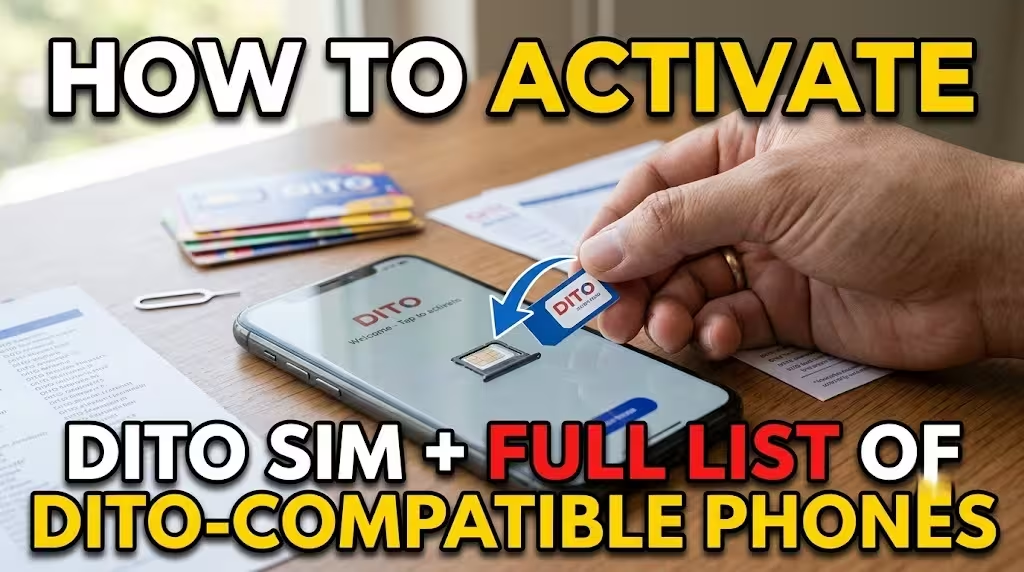
If you’ve recently purchased a DITO SIM, the next step is activating and registering it before you can enjoy calls, texts, mobile data, and 5G services. Fortunately, the process is straightforward and only takes a few minutes when you have a compatible smartphone.
This guide explains how to activate DITO SIM, complete SIM registration, configure APN settings if necessary, and check the latest list of DITO compatible phones. You’ll also find information about DITO SIM compatible phones, eSIM compatible phones, common activation issues, and frequently asked questions.
Whether you’re using a new physical SIM or eSIM, this guide covers everything you need to get started.
What Is a DITO SIM?
A DITO SIM is the mobile subscriber identity module issued by DITO Telecommunity, one of the major telecommunications providers in the Philippines. It provides access to voice calls, SMS, mobile data, VoLTE, and 5G services on supported devices.
DITO offers both traditional physical SIM cards and eSIMs for compatible smartphones, giving users greater flexibility when choosing a mobile connection.
Before You Activate Your DITO SIM
Before beginning the activation process, ensure you have the following:
Preparing these in advance helps ensure a smooth activation process.
How to Activate DITO SIM
If you’re wondering how to activate DITO SIM, simply follow these steps.
Step 1: Insert the DITO SIM
Power off your phone and insert the DITO SIM into the correct SIM tray.
If you’re using a DITO eSIM, install the eSIM profile by scanning the QR code provided after purchase.
Once inserted, turn your phone back on.
Step 2: Enable Mobile Data
After your device starts, enable mobile data from your phone’s settings.
In many cases, your phone automatically detects the correct network settings.
Step 3: Connect to the Network
To complete the initial activation, either:
- Browse any website using mobile data, or
- Make a call to any valid mobile or landline number (if supported).
This allows your SIM to connect to the DITO network.
Step 4: Open the Registration SMS
After connecting, DITO typically sends a text message containing the official SIM registration link.
Open the message and tap the registration link.
If you don’t receive the SMS immediately, you can register through the DITO App.
Step 5: Register Your DITO SIM
Under the Philippine SIM Registration Act (Republic Act No. 11934), every SIM card must be registered before full activation.
Inside the DITO App:
After successful verification, you’ll receive a confirmation message.
Step 6: Restart Your Phone
Once registration is complete, restart your smartphone to refresh the network connection.
Your DITO SIM should now be fully activated.
How to Configure DITO APN Settings
Most modern smartphones automatically configure the Access Point Name (APN).
If your mobile data isn’t working after activation, manually enter the APN settings.
DITO APN Settings
Use the following values:
| Setting | Value |
|---|---|
| Name | DITO |
| APN | internet.dito.ph |
| Username | Leave blank |
| Password | Leave blank |
| Authentication | None |
| APN Type | Default |
Save the settings and restart your phone.
Full List of DITO Compatible Phones
DITO continuously expands its list of supported devices. While many smartphones can connect to the network, the following models are confirmed to provide optimal compatibility for VoLTE, mobile data, and 5G services.
Samsung DITO Compatible Phones
Popular Samsung models include:
Galaxy S Series
- Galaxy S21
- Galaxy S22
- Galaxy S23
- Galaxy S24
Galaxy Z Series
- Galaxy Z Fold
- Galaxy Z Flip
Galaxy A Series
- Galaxy A14
- Galaxy A34
- Galaxy A54
- Galaxy A55
Galaxy Note Series
- Galaxy Note 20
- Galaxy Note 20 Ultra
These devices fully support DITO services, including VoLTE and 5G where available.
Apple iPhone DITO Compatible Phones
Apple devices beginning with the iPhone 11 series are fully compatible with DITO.
Supported models include:
- iPhone 11
- iPhone 11 Pro
- iPhone 11 Pro Max
- iPhone 12 Series
- iPhone 13 Series
- iPhone 14 Series
- iPhone 15 Series
- iPhone 16 Series
Most newer iPhones also support DITO eSIM functionality.
Huawei DITO Compatible Phones
Supported Huawei devices include:
P Series
- Huawei P40
- Huawei P50
Mate Series
- Huawei Mate 40
- Huawei Mate 50
Nova Series
- Nova 7
- Nova 8
- Nova 9
- Nova 10
- Nova 11
- Nova 12
Xiaomi DITO Compatible Phones
Popular Xiaomi-supported devices include:
Xiaomi Series
- Xiaomi 12
- Xiaomi 13
- Xiaomi 14
Redmi Note Series
- Redmi Note 11
- Redmi Note 12
- Redmi Note 13
POCO Series
- POCO X5
- POCO X6
- POCO F5
- POCO F6
OPPO DITO Compatible Phones
Supported OPPO smartphones include:
Reno Series
- Reno 8
- Reno 9
- Reno 10
- Reno 11
- Reno 12
Find Series
- Find N2
- Find N3
A Series
- OPPO A78
- OPPO A98
Vivo DITO Compatible Phones
Compatible Vivo devices include:
V Series
- Vivo V25
- Vivo V27
- Vivo V29
- Vivo V30
X Series
- Vivo X80
- Vivo X90
- Vivo X100
Y Series
- Vivo Y17
- Vivo Y27
- Vivo Y36
Realme DITO Compatible Phones
Supported Realme devices include:
GT Series
Various GT-series smartphones
Number Series
- Realme 10
- Realme 11
- Realme 12
C Series
- Realme C51
- Realme C55
- Realme C65
Infinix DITO Compatible Phones
Supported models include:
Note Series
- Note 30
- Note 40
Zero Series
- Zero 30
- Zero 40
Hot Series
- Hot 30
- Hot 40
Tecno DITO Compatible Phones
Popular supported Tecno smartphones include:
Camon Series
- Camon 20
- Camon 30
Spark Series
- Spark 10
- Spark 20
Pova Series
- Pova 5
- Pova 6
eSIM Compatible Phones for DITO
If you’re planning to use a DITO eSIM, your smartphone must support eSIM technology.
Popular eSIM compatible phones include:
Apple
Samsung
Selected:
Google Pixel
Most recent Pixel smartphones support eSIM functionality.
Other Brands
Several flagship smartphones from Xiaomi, HONOR, Motorola, OPPO, and Vivo also support eSIM depending on the specific model and regional variant.
Always confirm eSIM support before purchasing a DITO eSIM.
related – DITO Postpaid Plans
How to Check if Your Phone Is DITO Compatible
If your smartphone isn’t listed above, you can still verify compatibility by checking:
Even if a phone can connect to the DITO network, certified compatible devices generally provide the best calling and data experience.
Here is complete guide about: Dito Sim Registration
Common DITO SIM Activation Issues
SIM Not Detected
Try the following:
Mobile Data Not Working
Check:
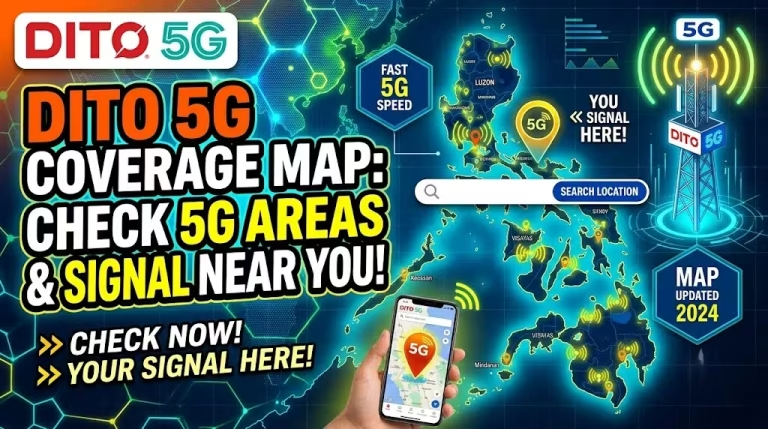
Most Related: DITO 5G Coverage Map
Registration Link Not Received
If you don’t receive the SMS registration link:
No Signal
Possible causes include:
Restart your phone after completing registration.
Benefits of Using a Compatible DITO Phone
Using one of the officially supported DITO compatible phones provides several advantages.
Frequently Asked Questions
Final Thoughts
Learning how to activate DITO SIM is quick and easy when you follow the correct steps. Simply insert the SIM into a supported device, enable mobile data, connect to the network, complete the mandatory SIM registration, and configure the APN if required. Within minutes, you’ll be ready to use DITO’s voice, text, and high-speed mobile data services.
Choosing one of the officially supported DITO compatible phones or DITO SIM compatible phones ensures the best experience with VoLTE, 4G LTE, and 5G connectivity. If you prefer a digital setup, many modern eSIM compatible phones also support DITO eSIM, giving you the flexibility to activate your mobile service without using a physical SIM card.
You should download dito app for easy registration.


8 Comments