Globe & Smart SIM Registration Online: Official Links & Steps
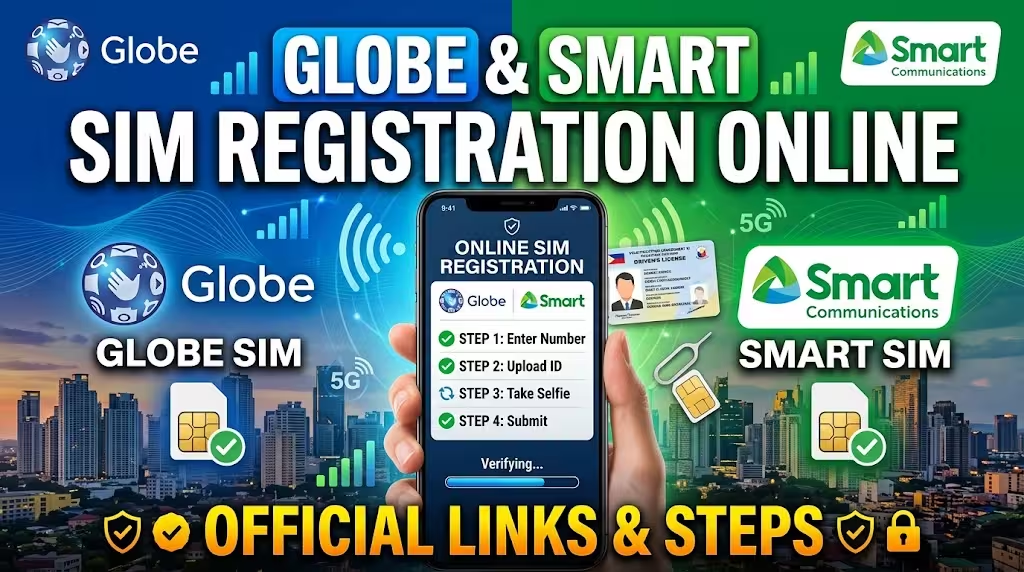
Globe & Smart SIM Registration Online
If you’re looking for the fastest way to complete your Globe SIM Registration or Smart SIM Registration online, you’re in the right place. Whether you’ve purchased a new prepaid SIM or need to verify an existing number, both telecom providers allow you to register your SIM through their official online portals in just a few minutes.
This guide covers the official registration links, eligibility requirements, required documents, and a complete step-by-step process for Globe and Smart SIM registration. You’ll also find solutions to common registration issues, FAQs, and important reminders to ensure a smooth experience.
Related – Dito Sim Registeration
Globe & Smart SIM Registration at a Glance
| Mobile Network | Official Registration Portal | Registration Time | Requirements |
|---|---|---|---|
| Globe Telecom | Official Globe SIM Registration Portal | 5–10 Minutes | Mobile Number, OTP, Government ID, Selfie |
| Smart Communications | Official Smart SIM Registration Portal | 5–10 Minutes | Mobile Number, OTP, Government ID, Face Verification |
Both registration processes are completed online using your smartphone, tablet, or computer.
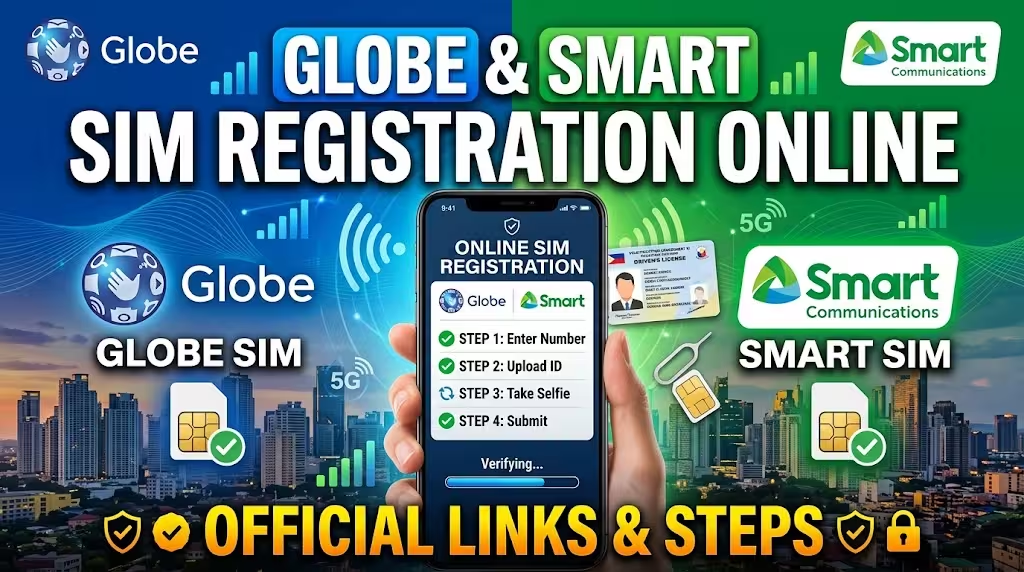
Why SIM Registration Is Required in the Philippines
SIM registration is mandatory under Philippine law to help reduce scams, spam messages, identity theft, and other mobile-related fraud. Every SIM card owner must register their personal information using the official portal provided by their mobile network.
Failure to register a SIM may result in service deactivation, preventing you from making calls, sending text messages, or accessing mobile data.
Related: DITO APN Settings
Requirements Before Registering Your SIM
Before starting your registration, prepare the following:
Personal Information
- Full legal name
- Date of birth
- Gender
- Complete residential address
- Nationality
Required Documents
You’ll also need:
- Active Globe or Smart mobile number
- One-Time Password (OTP)
- Valid government-issued ID
- Live selfie or face verification photo
- Stable internet connection
Accepted Government IDs
Most registrations accept one of the following:
- Philippine National ID
- Passport
- Driver’s License
- UMID
- SSS ID
- GSIS ID
- PRC ID
- Voter’s ID (if accepted)
- Postal ID
- Senior Citizen ID
- OWWA ID
- PWD ID
Always upload a clear and readable photo of your ID to avoid verification delays.
Related: DITO SIM Registration Online 2026
Globe SIM Registration Online: Complete Step-by-Step Guide
Registering a Globe SIM online usually takes less than ten minutes if your documents are ready.
Step 1: Visit the Official Globe SIM Registration Portal
Open the official Globe SIM Registration website using any browser.
Always verify that you’re using the official Globe registration page before entering personal information.
Step 2: Enter Your Mobile Number
Input your active Globe mobile number.
After entering the number, request the verification code.
Step 3: Verify Using the OTP
A six-digit OTP will be sent through SMS.
Enter the code within five minutes before it expires.
If you don’t receive the OTP immediately, wait a few moments before requesting another code.
Step 4: Complete Your Personal Information
Fill out the registration form with accurate information, including:
- Full Name
- Date of Birth
- Gender
- Residential Address
Ensure every detail matches your government-issued ID.
Step 5: Upload Your Government ID
Take a clear photo of your valid ID.
Avoid blurry, cropped, or dark images since these may delay approval.
Step 6: Complete the Live Selfie Verification
Capture a live selfie following the on-screen instructions.
Ensure your face is fully visible with sufficient lighting.
Step 7: Submit Your Registration
Review all information carefully.
Accept the Privacy Policy and Terms before submitting the application.
After successful registration, save your confirmation or reference number for future reference.
Smart SIM Registration Online: Step-by-Step Process
Smart Communications also offers a fully digital registration process.
Step 1: Open the Smart SIM Registration Portal
Visit the official Smart registration website.
Avoid using unofficial links shared on social media.
Step 2: Enter Your Smart Mobile Number
Input your Smart, TNT, or Smart Bro mobile number.
Tick the agreement checkbox before continuing.
Step 3: Receive and Enter the OTP
Click Send OTP.
Enter the verification code sent to your phone.
Step 4: Fill in Your Personal Details
Provide accurate information exactly as shown on your government-issued ID.
Incorrect details may require another verification attempt.
Step 5: Upload Your Valid ID
Take a high-quality image of your ID.
Ensure all text and photos remain clearly visible.
Step 6: Complete Face Verification
Upload your selfie or complete the live face verification process.
Follow the camera instructions carefully.
Step 7: Submit the Registration
Review every detail before submitting.
Once approved, you’ll receive a confirmation message confirming successful SIM registration.
Common SIM Registration Problems and Solutions
Many users encounter simple issues that can be resolved quickly.
OTP Not Received
Possible causes include:
- Weak network signal
- Delayed SMS delivery
- Incorrect mobile number
Try requesting another OTP after waiting a few minutes.
ID Upload Failed
Ensure:
- Image is clear
- File size meets requirements
- Entire ID is visible
- Good lighting is used
Selfie Verification Failed
Retake the selfie with:
- Bright lighting
- Neutral background
- No hats or sunglasses
- Entire face visible
Registration Page Not Loading
You can try:
- Refreshing the browser
- Switching to another browser
- Clearing browser cache
- Using a stronger internet connection
Tips for Faster Globe and Smart SIM Registration
Following these best practices can reduce verification issues:
- Use the latest version of your browser.
- Keep your mobile phone nearby for OTP verification.
- Prepare your ID before opening the registration page.
- Double-check your information before submission.
- Save your reference number immediately after registration.
- Avoid editing photos excessively before uploading.
More: DITO Promos 2026
Is Globe and Smart SIM Registration Free?
Yes.
Both Globe and Smart provide SIM registration completely free through their official registration portals.
Be cautious of websites or individuals requesting payment for SIM registration, as the official process does not charge any registration fee.
Benefits of Registering Your SIM
Completing SIM registration offers several advantages.
Better Account Security
Registered SIMs help reduce unauthorized account access and fraudulent mobile activities.
Continued Mobile Service
Failure to register may lead to SIM deactivation, affecting calls, text messaging, and internet access.
Easier Customer Support
Registered account information allows customer service representatives to verify ownership more efficiently when resolving account-related concerns.
Improved Identity Protection
Identity verification helps reduce scams involving anonymous mobile numbers.
Guide: DITO eSIM Guide
Frequently Asked Questions
Final Thoughts
Registering your Globe or Smart SIM online is a quick process that helps protect your mobile account while ensuring uninterrupted service. By preparing your government-issued ID, keeping your phone ready for OTP verification, and following the official registration steps, you can complete the process in just a few minutes.
For your security, always access the official Globe or Smart SIM registration portal directly and avoid sharing personal information on unofficial websites. Keeping your registration details accurate and your confirmation reference saved will make future account verification much easier.